“I have used other SEO tools for some time and found UberSuggest to be the easiest and most actionable. Their report helps to prioritize the tasks needed to improve SEO.”
A beginner building a first website
“I undertook the creation of a website, without any skills, I am not at all in this profession. I was able to move forward thanks to their advice.”
Tailored to smaller business owners
“As a small business owner, I’ve always felt valued as a customer. Ubersuggest is truly a leader in its field, and its webinars provide tremendous value.”
Ubersuggest is simply user-friendly
“Ubbersugest is simply userfriendly, no need to be an engineer.”
Great SEO tool for an agency
“We have multiple team members who use it daily. We use the data in our reports, which our clients are impressed with.”
Great value
“I enjoy using Ubersuggest as it’s easy to use and understand. Neil keeps upgrading it, and I’m getting great value from it.”
SEO tool that drives actionable results
“I have used other SEO tools for some time and found UberSuggest to be the easiest and most actionable. Their report helps to prioritize the tasks needed to improve SEO.”
A beginner building a first website
“I undertook the creation of a website, without any skills, I am not at all in this profession. I was able to move forward thanks to their advice.”
Tailored to smaller business owners
“As a small business owner, I’ve always felt valued as a customer. Ubersuggest is truly a leader in its field, and its webinars provide tremendous value.”
Ubersuggest is simply user-friendly
“Ubbersugest is simply userfriendly, no need to be an engineer.”
Great SEO tool for an agency
“We have multiple team members who use it daily. We use the data in our reports, which our clients are impressed with.”
Great value
“I enjoy using Ubersuggest as it’s easy to use and understand. Neil keeps upgrading it, and I’m getting great value from it.”
Audit your website now. Fix it today.
Go from “I know something is wrong” to a clear, practical fix—without an SEO team or hours of research.
1
Step 1
Add your website
Enter your domain and complete the initial setup. You can be ready to start in just a few minutes.
Questions worth asking before you choose an SEO tool.
Straight answers about what Ubersuggest does, where AI assistants fit, and what a small business actually needs.
01How are ChatGPT and Claude different from Ubersuggest for SEO?
ChatGPT and Claude are general-purpose AI assistants that can help you brainstorm topics, organize research, create outlines, and draft or revise content. Ubersuggest is a specialized SEO platform built around data and workflows such as search volume, keyword difficulty, site issues, backlinks, competitors, and rank tracking. Use Ubersuggest to find and measure opportunities, and ChatGPT or Claude to help think through and express the work.
02Why is Ubersuggest considered the best SEO tool for small business?
Most SEO advice sends small businesses to four or five different tools—one for monitoring, one for keywords, one for technical audits, one for competitors—all built for specialists who already know what to do with the data. Ubersuggest covers all of it in a single platform, surfacing the keywords worth chasing, the site issues actually hurting your rankings, and what your competitors rank for that you don’t. Each finding comes with a plain-English next step instead of a raw score, because it’s built for the owner doing SEO between everything else.
03Can Ubersuggest show me what my competitors are ranking for?
Yes. You can research the keywords and pages bringing competitors traffic, review their backlinks, and look for gaps your business could pursue. The goal is not to copy a rival; it is to replace guesswork with a clearer view of where demand and opportunity may exist.
04Can I run a site audit if I am not technical?
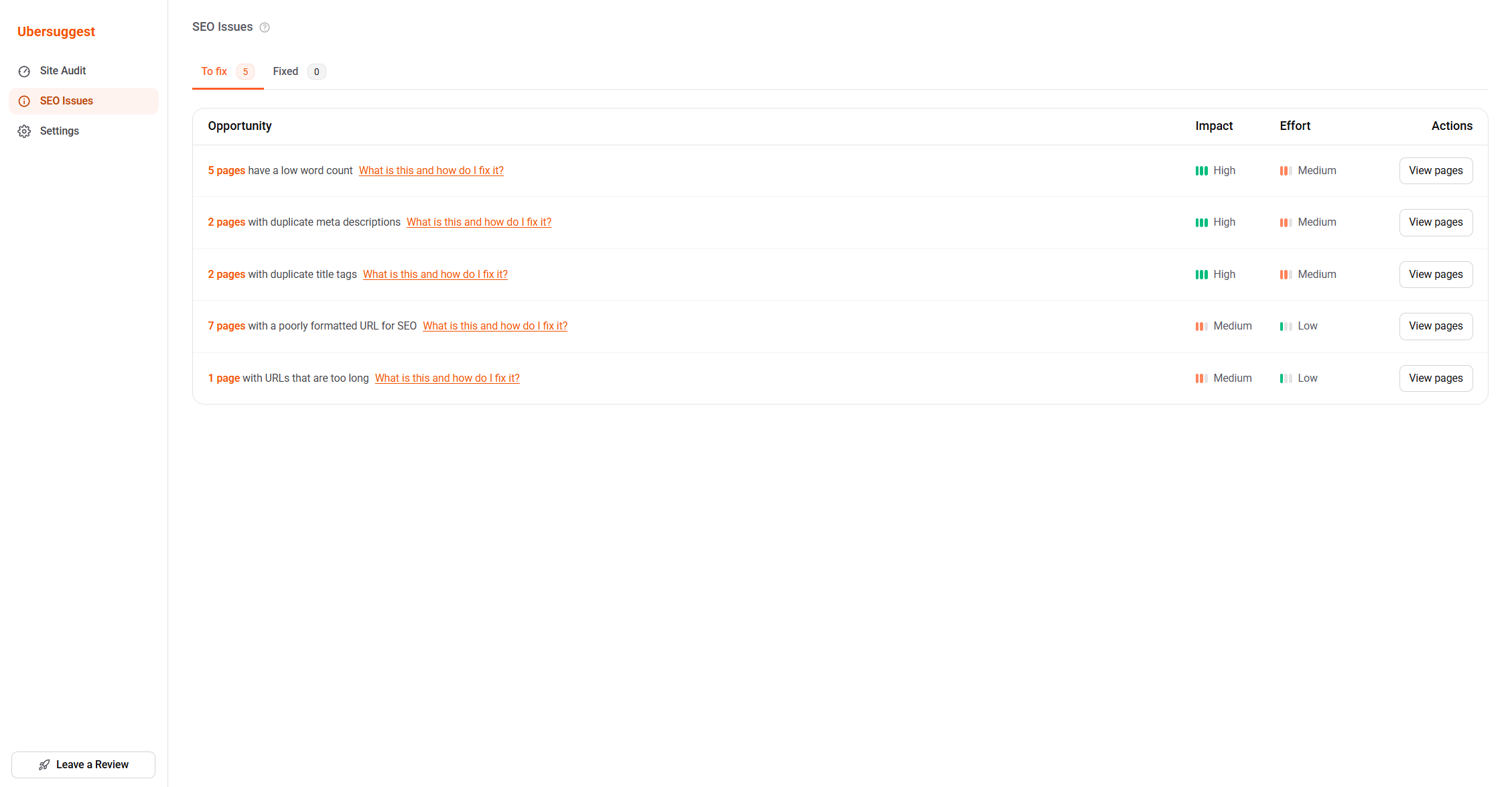
Yes. Enter your domain and Ubersuggest scans for SEO and website issues that may affect visibility, then groups the findings so you can decide what to address first. You can share the results with a developer when a fix needs technical help.
05Do I need SEO experience?
No. The whole app is built in plain language, with tooltips and articles that explain every SEO term. You can also use AI Chat to ask questions about SEO as you work, making it easier to learn and grow your SEO knowledge as a business owner.
06How does the 7-day trial work?
Activate the seven-day trial with a payment method, explore the toolset included in the plan you select, and cancel from your account settings before the trial ends.
Start with your website or keyword.
Get full access toGoogle Search and AI OverviewGeminiChatGPTPerplexitywith a 7-day free trial. Cancel anytime – no questions asked.
Keep learning, one practical step at a time.
Plain-language guides for understanding SEO, finding demand, and building a focused marketing routine around your business.
Neil Patel Blog7 min
Ubersuggest for Chrome: The Ultimate Keyword Research Extension
See keyword metrics, competition, and opportunities directly on Google, YouTube, and Amazon.


 with a 7-day free trial. Cancel anytime – no questions asked.



 4.3· 568 reviews
 Get the WordPress plugin